
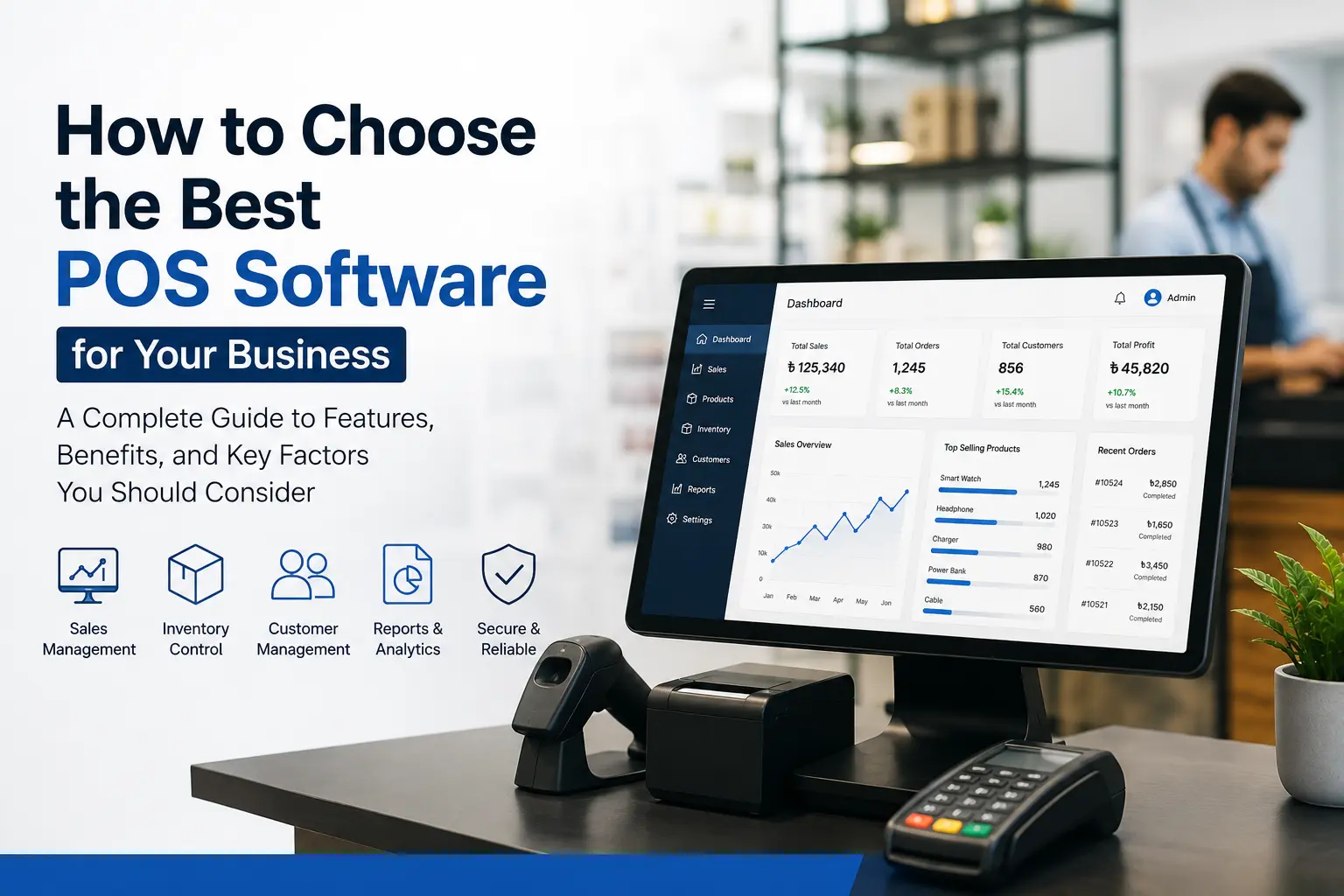
How to Choose the Best POS Software for Your Business
Choosing the right POS software can make a big difference in how smoothly your business runs.
A good POS system does much more than process customer payments. It can help you manage sales, inventory, products, customers, employees, purchases, and business reports from one place.
The problem is that there are so many POS software options available today. Some are designed for small shops, while others are built for restaurants, retail stores, pharmacies, supermarkets, and businesses with multiple branches.
So, how do you know which one is right for your business?
The answer isn’t simply to choose the software with the most features or the lowest price. You need a POS system that fits the way your business actually operates.
In this guide, we’ll look at the most important things to consider when choosing the best POS software for your business, including features, pricing, inventory management, ease of use, security, and future scalability.
What Is POS Software?
POS stands for Point of Sale. POS software is used to manage sales transactions when a customer purchases a product or service.
A basic POS system can create invoices and record payments. Modern POS software can do much more.
Depending on the system, you may be able to manage:
- Sales and billing
- Product and inventory
- Purchases and suppliers
- Customer information
- Discounts and promotions
- Employees and user permissions
- Business expenses
- Sales reports
- Multiple stores or branches
For many businesses, the POS system becomes one of the main tools used every day.
That’s why choosing the right one is important.
Why Choosing the Right POS Software Matters
Imagine running a retail store where the POS only handles billing.
You still have to check stock manually, maintain purchase records in Excel, calculate sales at the end of the day, and prepare reports separately.
It works—but it takes time.
A modern POS system can connect these activities.
When a product is sold, the inventory can be updated automatically. When new stock arrives, the purchase and inventory records can be updated. Management can then check sales reports without manually collecting information from employees.
The right POS software can therefore help reduce repetitive work and give you a clearer picture of your business.
10 Things to Consider When Choosing POS Software
1. Start With Your Business Requirements
Before comparing different POS systems, understand what your business actually needs.
A small clothing shop may need basic billing and inventory management.
A supermarket may need barcode scanning, thousands of products, multiple cashiers, purchasing, and detailed stock reports.
A restaurant may need table management, kitchen orders, menu management, and bill splitting.
So don’t start by asking:
“Which POS software is the best?”
Start with:
“What does my business need the POS software to do?”
Make a list of your daily tasks and identify which ones you want the software to handle.
This simple step can help you avoid paying for features you’ll never use.
2. Check the Billing and Sales Features
Billing is the core function of a POS system, so the sales screen should be fast and easy to use.
Look for features such as:
- Quick product search
- Barcode scanning
- Invoice generation
- Discounts
- Returns and refunds
- Multiple payment methods
- Tax or VAT handling
- Sales history
- Receipt printing
If your employees need several minutes to create a simple invoice, the system isn’t doing its job properly.
A good POS should make the checkout process easier, not slower.
3. Look at Inventory Management
For many businesses, inventory management is just as important as billing.
If your POS software doesn’t keep track of stock properly, you may still have to maintain separate spreadsheets.
A useful POS system should help you monitor:
- Current stock
- Stock sold
- New purchases
- Stock adjustments
- Low-stock products
- Damaged products
- Product variations
- Warehouse or branch stock
For example, if you sell clothing, you may have the same product in different sizes and colors.
Your POS should make it easy to see exactly which variants are available.
This becomes even more important when you have hundreds or thousands of products.
4. Make Sure It Supports Your Payment Methods
Customers don’t always pay in the same way.
Depending on your business, you may accept cash, cards, mobile financial services, bank payments, or other digital payment methods.
Before choosing a POS system, check whether it supports the payment methods your customers actually use.
You should also find out whether payment gateway or third-party integrations are available if you need them.
A POS system that works well with your preferred payment methods can make checkout much smoother.
5. Check Reporting and Analytics
One of the biggest advantages of using POS software is getting useful information about your business.
Instead of simply recording sales, your POS should help you understand them.
Useful reports may include:
- Daily sales
- Monthly sales
- Product-wise sales
- Category-wise sales
- Profit and loss
- Purchase reports
- Inventory reports
- Customer reports
- Payment reports
- Employee sales performance
For example, you may discover that one product sells extremely well while another has been sitting in your inventory for months.
That information can help you make better purchasing and sales decisions.
6. Consider Multi-Branch Management
If you currently have more than one branch—or plan to open another location—think about this before purchasing POS software.
Managing each branch separately can quickly become complicated.
A POS system with multi-branch functionality can allow management to monitor sales and inventory across different locations from a centralized system.
You may be able to see:
Branch A → Sales + Inventory
Branch B → Sales + Inventory
Branch C → Sales + Inventory
This is much easier than collecting separate reports from every branch.
Even if you have only one store today, choosing scalable software can save you from changing systems later.
7. Check User Roles and Permissions
Not every employee should have access to every POS function.
For example, a cashier may need to create sales and process returns, while a manager may need access to sales reports and inventory adjustments.
The business owner may need access to everything.
That’s why user roles and permissions are important.
Look for a POS system that lets you control what different users can view or change.
This can also help reduce accidental changes and improve overall control of your business data.
8. Don’t Ignore Ease of Use
A POS system can have hundreds of features and still be a bad choice if your employees find it difficult to use.
Think about the people who will actually use the software every day.
Can a new employee understand the sales screen quickly?
Can they find a product without struggling?
Can they process a return?
Can they print or send an invoice easily?
These everyday details matter more than having a long list of advanced features that nobody uses.
Whenever possible, request a live demo or trial before making your decision.
Let the employees who will actually use the system test it.
Their feedback can be extremely useful.
9. Compare the Total POS Software Cost
Price is obviously important, but don’t compare POS systems based only on the initial price.
The total cost may include:
- Software license
- Monthly or yearly subscription
- Number of users
- Additional branches
- Hardware
- Barcode scanners
- Receipt printers
- Installation
- Customization
- Data migration
- Training
- Technical support
- Future maintenance
For example, one POS system may appear cheaper initially but charge extra for important features.
Another system may cost more but include inventory management, reporting, support, and multiple users.
So instead of asking only:
“How much does the POS software cost?”
Ask:
“What exactly is included in the price?”
10. Check Customer Support
This is something many businesses overlook.
A POS system becomes part of your daily operations. If something goes wrong during business hours, you need someone who can help.
Before purchasing, ask the provider:
- How can I contact support?
- Is support available during business hours?
- Is training included?
- How are software problems handled?
- How often is the software updated?
- Is data backed up?
- Is technical support included in the package?
A reliable support team can be just as important as the software itself.
POS Software for Different Types of Businesses
There isn’t one POS system that is perfect for every business.
Retail Stores
Retail businesses usually need billing, barcode scanning, inventory management, product variations, customer records, and sales reporting.
Supermarkets
Supermarkets may need faster billing, barcode scanners, large product databases, stock management, purchasing, and multiple checkout counters.
Restaurants
Restaurants often need features such as menu management, table management, kitchen order processing, bill splitting, and restaurant-specific reporting.
Pharmacies
Pharmacies may need detailed product records, stock tracking, expiry-date management, purchasing, and sales reports.
Clothing Stores
Clothing businesses often need variant management for size, color, style, and product categories, along with inventory and sales tracking.
Wholesale Businesses
Wholesalers may require customer-specific pricing, bulk sales, credit management, purchasing, warehouse management, and detailed reporting.
The best POS software is therefore the one that fits your industry’s workflow.
Cloud-Based vs Local POS Software
Another decision you’ll need to make is whether you want a cloud-based POS or a locally installed system.
With cloud-based POS software, business information is stored on cloud infrastructure and can generally be accessed online by authorized users.
This can be useful for businesses that want remote access or centralized management.
A local POS system, on the other hand, is installed on computers or servers controlled by the business.
Both approaches have advantages and disadvantages.
When comparing them, consider your internet connection, business size, data requirements, number of branches, security needs, and how you want to access your system.
Should You Choose Cheap POS Software?
Not necessarily.
If you’re running a very small business with basic requirements, an affordable POS system may be perfectly suitable.
But choosing software purely because it is cheap can become expensive later if you discover that it doesn’t support your inventory, reporting, branches, or integrations.
Think about the value rather than just the price.
A POS system that saves employees time, reduces inventory errors, improves reporting, and helps you manage the business more efficiently can provide much more value than a cheaper system with limited functionality.
Common Mistakes to Avoid When Buying POS Software
Many businesses make the same mistakes when selecting a POS system.
Choosing Based Only on Price
The cheapest option isn’t always the best option.
Buying Too Many Features
You don’t need every feature available. Choose what matches your actual requirements.
Ignoring Inventory
A POS without proper inventory management may create more work for product-based businesses.
Not Testing the Software
Always try the system before making a long-term commitment if a demo or trial is available.
Forgetting About Future Growth
Think about what your business may look like in the next few years.
Ignoring Support
Good software with poor support can still become a major headache.
A Simple Checklist for Choosing POS Software
Before making a final decision, ask yourself:
Does it handle my daily sales?
Can it manage my inventory?
Does it support my payment methods?
Can I generate the reports I need?
Can I control employee access?
Can it handle multiple branches if required?
Is it easy for employees to use?
What is included in the price?
Is training available?
What kind of technical support is provided?
Can the software grow with my business?
If the answer to most of these questions is yes, you’re probably looking at a POS system that is worth considering.
Why Sunshine IT POS Software?
For businesses in Bangladesh, Sunshine IT provides POS software designed to help manage everyday sales and business operations from a centralized system.
The solution can help businesses manage areas such as sales, inventory, products, purchases, customers, reporting, and other business activities.
For a business that wants to move away from manual records and disconnected systems, an integrated POS solution can make everyday operations easier to manage.
Before choosing any POS software, however, it’s always better to discuss your actual business requirements with the provider and see how the system fits your workflow.
Final Thoughts
Choosing the best POS software for your business isn’t about finding the software with the longest feature list.
It’s about finding a system that makes your daily work easier.
Start by understanding your business requirements. Then compare billing, inventory, reporting, payment options, user management, scalability, pricing, and customer support.
Most importantly, don’t make the decision based on screenshots or a feature list alone. Request a demo, let your employees try the system, and ask the provider what happens after you purchase it.
The right POS system should not add complexity to your business. It should help you sell faster, manage inventory better, understand your numbers, and run your business with more confidence.